English
- English
- Español
- Português
- русский
- Français
- 日本語
- Deutsch
- tiếng Việt
- Italiano
- Nederlands
- ภาษาไทย
- Polski
- 한국어
- Svenska
- magyar
- Malay
- বাংলা ভাষার
- Dansk
- Suomi
- العربية
- हिन्दी
- Pilipino
- Türkçe
- Gaeilge
- Indonesia
- Norsk
- تمل
- český
- ελληνικά
- український
- Javanese
- فارسی
- தமிழ்
- తెలుగు
- नेपाली
- Burmese
- български
- ລາວ
- Latine
- Қазақша
- Euskal
- Azərbaycan
- Slovenský jazyk
- Македонски
- Lietuvos
- Eesti Keel
- Română
- Slovenski
- मराठी
- Srpski језик

News
How Should You Choose the Right Indoor LED Display for a Conference Room?
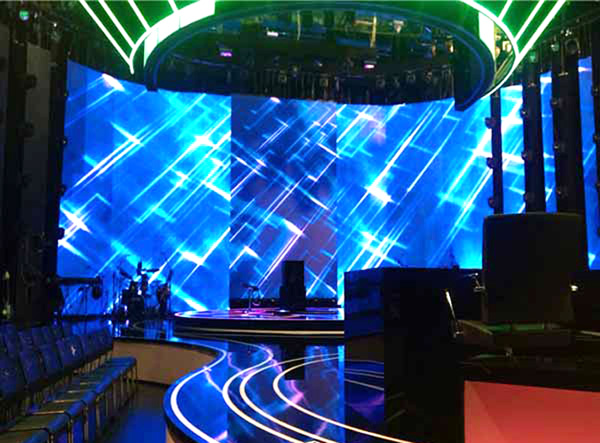
When upgrading meeting spaces, many buyers wonder how to select the right indoor LED display for their conference rooms. Compared to traditional projectors and LCD video walls, indoor LED displays offer advantages such as seamless splicing, stable color reproduction, and a long service life, making them widely used in corporate boardrooms, multipurpose conference rooms, and remote video conferencing scenarios. Before placing an order, it is essential to comprehensively evaluate several key parameters—price alone should not be the sole consideration.
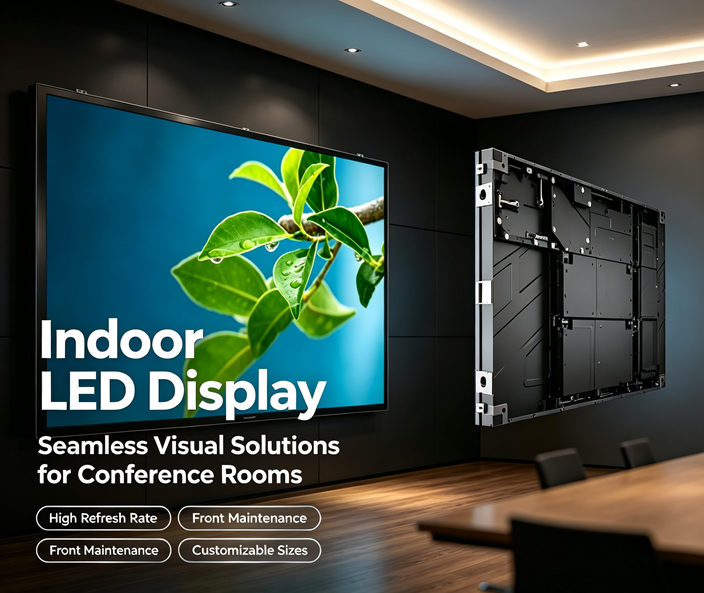
First, determine the viewing distance and pixel pitch. Pixel pitch is a core parameter of indoor LED displays. For small meeting rooms with a minimum viewing distance of 3 meters or less, prioritize P1.2 or P1.5 small-pitch screens, which can clearly display PowerPoint text, charts, and shared documents; for standard medium-sized meeting rooms with a viewing distance of 3–5 meters, P1.8 and P2.0 offer better value for money; for large conference halls with a viewing distance of 5 meters or more, P2.0–P2.5 screens are sufficient for daily presentations. Blindly pursuing ultra-small pixel pitches can lead to wasted budget, while pixel pitches that are too large will result in noticeable pixelation when viewed up close.
Next, consider brightness and refresh rate. Indoor LED displays for conference rooms do not require ultra-high brightness; for rooms without direct strong light, 600–800 nits is the standard configuration; If the meeting room has large windows or strong ambient light, choose 800–1,000 nits to prevent the image from appearing washed out. A refresh rate of 3,840 Hz is recommended; a high refresh rate ensures no flicker during video conferences or when being filmed by a camera, which is crucial for online meetings, recordings, and live streams.
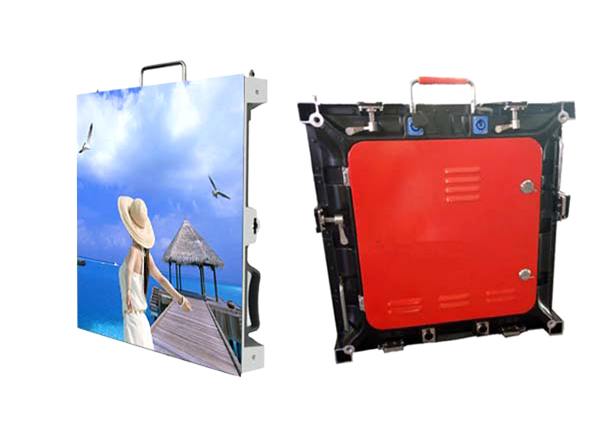
Next, confirm the installation and maintenance methods. Since most conference room screens are mounted flush against the wall with no access space at the back, prioritize front-maintenance Indoor LED Displays, which allow for direct module replacement and maintenance from the front without removing the entire screen. Additionally, confirm the cabinet specifications, wall load-bearing capacity, and reserved cable routing locations in advance to avoid installation delays on-site.
Next, match the control system to your functional requirements. Most meeting scenarios require wireless screen mirroring, multi-source signal switching, and integration with video conferencing equipment. We recommend pairing the display with a compatible transmitter card and control system that supports computers, smartphones, and conference terminals. If you have high demands for image quality and protection, choose a COB-packaged fine-pitch display, which offers better impact resistance and dust protection, making it suitable for high-end boardrooms.
Finally, verify certifications and after-sales support. Indoor LED displays intended for export must have the appropriate certifications, such as CE and FCC. Confirm the warranty period, availability of spare parts, and overseas technical support in advance.
If you are looking for a reliable supplier of indoor LED displays for conference rooms, we recommend Allenson. Allenson’s indoor LED displays cover the full range of pixel pitches from P1.2 to P2.5, feature a stable 3,840 Hz high refresh rate, and offer an optional front-maintenance design. The entire product line holds CE and FCC export certifications and supports custom sizing and integrated control systems. The brand has a dedicated overseas project service team that provides one-stop services—including solution design, technical guidance, and after-sales support—making it the top choice for your conference room display project.
In summary, selecting the right indoor LED display requires striking a balance between viewing distance, brightness, functionality, and budget. First, determine the size of your conference room and its specific usage requirements, then contact Allenson to obtain a customized solution and create a stable, crystal-clear display experience for your conference room.
Related News
- Which P1.667 Fine-Pitch LED Display Delivers the Best Visual Performance for Professional Indoor Applications?
- How stable are flexible LED displays over the long term?
- Don't Just Buy Any Advertising All-in-One! Understand These Key Selection Tips First
- Why Is a P1.25 Fine-Pitch High-Definition LED Display Ideal for Premium Visual Applications?
- What protective features should outdoor sports field displays have?
- In which scenarios are all-in-one digital signage displays suitable for use?
Leave me a message


News Recommendations